Included free with Elements
Build your site with
powerful components
Drop them into Elements, point them at a folder of Markdown files, and your content-driven site is live. No database. No configuration.
Collection
Paginated grid of content items. Filter by tags, author, status, date, or featured. Sort by title, date, or filename.
Item
Display a single content item with full metadata, body, and automatic Open Graph tags for social sharing.
Pagination
Page numbers with prev/next. Fully themeable with configurable page ranges and custom styling.
Load More
Infinite scroll or load-more button. Fetch the next page without a full page reload.
Search
Live full-text search across titles and content. Configurable minimum characters and result limits.
Tag List
All tags from a collection in a grid. Post counts, hide empty tags, link to filtered views.
Related Items
Automatically surface related content by matching tags or author. Scored and ranked by relevance.
Comments
Readers leave comments on your content. Built-in form with approval workflow.
The foundation
Your content is just Markdown files
No database. No proprietary format. Every piece of content is a text file with YAML frontmatter for metadata and Markdown for the body.
Drop files into a folder and the components handle everything from parsing, filtering, paginating, and rendering your content automatically.
Works with any text editor. Version-control friendly. Your content is always portable, always yours, and never locked in.
---
title: "Announcing Our Spring Collection"
date: 2026-04-06
author: Sarah Chen
tags: [news, collection, spring]
featured: true
status: published
---
# Our Spring Collection is Here
We're thrilled to share our latest collection,
crafted with care and inspired by the season.
Each piece combines **timeless design** with
modern sensibility.
Built-in Relationships
Automatic relationships between content
The CMS auto-discovers connections between your posts, tags, and authors. Add a Tags/ or Authors/ folder alongside your content, and each gets its own Markdown file with rich metadata.
When a post references a tag or author, the CMS enriches it with the full profile, generated URLs, and filtered views.
How it works: Related posts are ranked by what they have in common — shared tags and matching authors both count — so the most relevant content always appears first.
Sarah Chen
Creative Director & co-founder. Writes about design, branding, and seasonal trends.
12 posts
Summer Lookbook
By Sarah Chen · 3 shared tags
Our Design Philosophy
By Sarah Chen · 1 shared tag
The Online Editor
You built it locally.
Now edit it online.
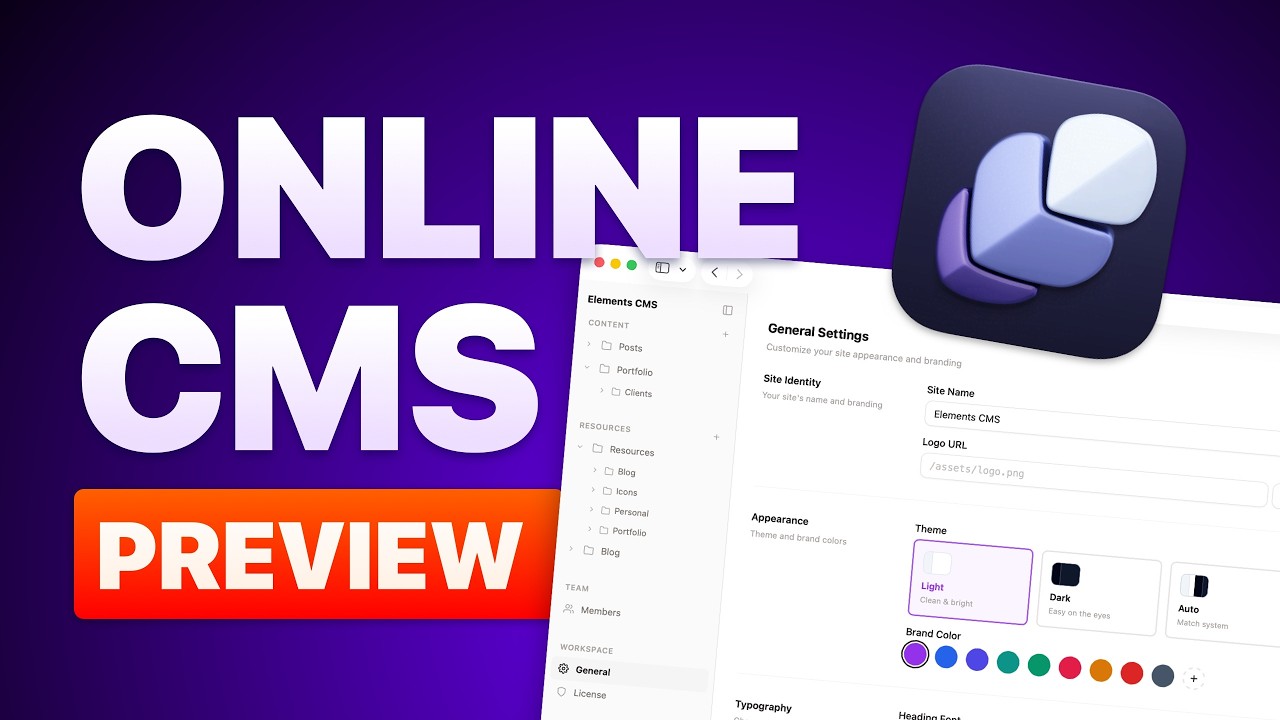
You've designed your site with free components in Elements. The Online Editor lets you and your team create, edit, and manage content from any browser. No code, no files, no FTP.
Content Editing
Write, edit, publish. From your browser
A WYSIWYG editor powered by Tiptap. Create posts, manage metadata, set publish dates, add tags, and upload images — all without touching a Markdown file.
The editor writes clean Markdown behind the scenes, so your content stays portable.
Rich formatting, custom fields, auto-slugs, draft/published status, and mobile editing.
See the editor in action
Version History
Every edit, saved. Every mistake, reversible
Every save creates a timestamped snapshot. Browse your full timeline, compare any two versions with inline diffs, and restore with one click.
Your safety net. Nothing is ever permanently lost — even if someone "accidentally deletes everything."
See version history in action
Webhooks
Automate what happens next
Trigger workflows whenever content changes. New posts, updates, or deletions send HMAC-signed payloads to any endpoint — Slack, Zapier, your build pipeline.
Parallel delivery, error logging, and cryptographically signed payloads.
See web hooks in action
User Management
The right access for the right people
Create accounts with role-based permissions. Admins control everything; editors manage content without touching settings or design.
Set up your client as an editor, keep admin access for yourself.
See user roles in action
How it works
Up and running in three steps
Build locally in Elements
Drag CMS components onto your pages — Collection, Item, Search, and more. Point them at a folder of Markdown files and design everything exactly how you want.

Publish your site
Hit publish in RapidWeaver. Your content pages go live instantly — blog, portfolio, news, whatever you've built. No server setup, no database.
Edit from any browser
Activate your license and the Online Editor appears on your site. Write posts, upload images, manage users — all from the browser.
Edit your Elements site online
Edit your site from
any browser, for free.
A beautiful self-hosted admin panel. Create, edit, and remove content for free, upgrade to Pro when you need more power.
WYSIWYG Editor
Paginated grid of content items. Filter by tags, author, status, date, or featured. Sort by title, date, or filename.
Content Folder
Paginated grid of content items. Filter by tags, author, status, date, or featured. Sort by title, date, or filename.
Resource Folder
Paginated grid of content items. Filter by tags, author, status, date, or featured. Sort by title, date, or filename.
Version History
Readers leave comments on your content. Built-in form with approval workflow.
Unlimited Folders
Paginated grid of content items. Filter by tags, author, status, date, or featured. Sort by title, date, or filename.
Whitelabel
Infinite scroll or load-more button. Fetch the next page without a full page reload.
Live Preview
Paginated grid of content items. Filter by tags, author, status, date, or featured. Sort by title, date, or filename.
Comment Moderation
Paginated grid of content items. Filter by tags, author, status, date, or featured. Sort by title, date, or filename.
Webhooks
Automatically surface related content by matching tags or author. Scored and ranked by relevance.
Sub-folder Support
All tags from a collection in a grid. Post counts, hide empty tags, link to filtered views.
Custom Frontmatter
Display a single content item with full metadata, body, and automatic Open Graph tags for social sharing.
Secure by default
Page numbers with prev/next. Fully themeable with configurable page ranges and custom styling.
User Management
Live full-text search across titles and content. Configurable minimum characters and result limits.
Multi-language Admin
Paginated grid of content items. Filter by tags, author, status, date, or featured. Sort by title, date, or filename.
Upgrade to Pro
Paginated grid of content items. Filter by tags, author, status, date, or featured. Sort by title, date, or filename.
Built for you
Whether you build websites or run one
Business Owners
Take control of your content
Stop depending on a developer for every small change.
Write and publish blog posts in minutes
Update from any browser, any device
Undo mistakes with version history
Let team members contribute safely
No code, no learning curve
Agencies & Freelancers
Hand over the keys, keep control
Give clients a beautiful editor. Reduce support tickets.
Client-friendly editor they can't break
Role-based access — editor for clients, admin for you
Version history as a safety net
Webhooks for automated pipelines
Fewer support tickets, happier clients
Pricing
Edit online for free.
Add power for a small fee.
Design your site locally in Elements at no cost.
Add the Online Editor when you're ready to manage content from the browser.
Free
Build locally. Edit Online.
$0
Free forever. Included in Elements.
Components
Collection grid with filtering & sorting
Single item pages with Open Graph
Pagination & Load More
Live search across content
Tag list with post counts
Related items
Comments (display & submit)
Online Editor
WYSIWYG Editor
One Content Folder
One Resources Folder
One User
Pro
Professional Online Editor
$99
/yr
Cancel anytime. Moneyback guarantee.
Everything in Free, plus
Unlimited content folders
Unlimited resources folders
Unlimited Users
Version history & rollback
Webhooks & automation
User management & roles
Whitelabel theming
Comment moderation
Custom frontmatter fields
Custom editor field types
Content sub-folders
Resources sub-folders
License transfer